It’s easy to delete a contact in HubSpot CRM.
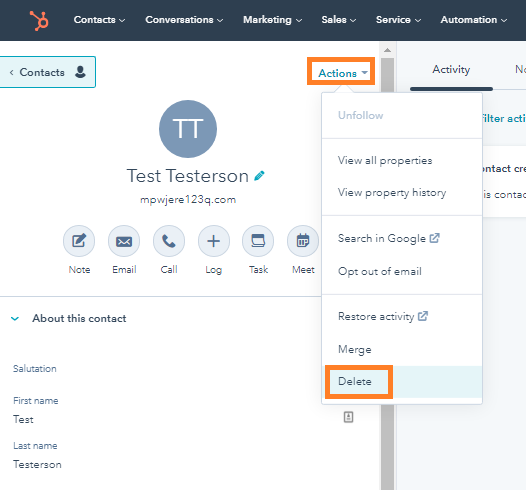
Open the contact in question, select the Actions menu and then Delete.
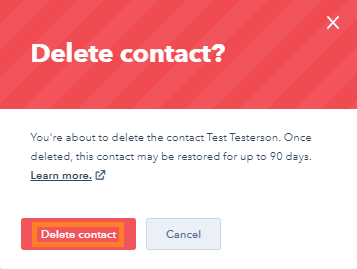
Then, click to confirm you want to delete it.
It’s easy to delete a contact in HubSpot CRM.
Open the contact in question, select the Actions menu and then Delete.
Then, click to confirm you want to delete it.